
Potluck Sign-Up Sheet
that everyone can use

Free potluck sign-up — share a link, let guests pick what to bring
Stop the duplicate-mashed-potatoes problem. Create a potluck list, send the link via WhatsApp, email, or anywhere — guests pick what they bring in a few clicks. No accounts, no ads, no limits. Free, no registration, unlimited polls.

How does Whocan compare to other potluck planning tools?
Here's an honest look. If you want a printable PDF instead of an online tool, Canva or Etsy templates are good choices.
| Feature | Whocan Recommended | Perfect Potluck | SignUp.com | Canva (Print) |
|---|---|---|---|---|
| Free | ✓ unlimited | ✓ | ✓ free tier | ✓ |
| No registration (organizer) | ✓ | Account required | Account required | Account required |
| No registration (guests) | ✓ | ✓ | ✓ | n/a (print) |
| No ads | ✓ | ✓ | Ads in free plan | Depends |
| Share via link | ✓ | ✓ | ✓ | Print only |
| Share via WhatsApp | ✓ | Manual | Manual | Manual |
| Live online sign-up | ✓ | ✓ | ✓ | ✗ Print only |
| Multi-event (RSVP + Potluck + Tasks) | ✓ | ✗ | ✓ | ✗ |
| Holiday templates | ✓ 7 themes | Limited | ✓ | ✓ many |
| Best for | Quick group potlucks | US-classic potlucks | Multi-event coordinators | DIY print/PDF |
Whocan: Organize Potlucks for any occasion
Whether you want to invite friends for dinner, plan a Friendsgiving with your closest crew, or organize a charity event with your church, Whocan helps you do it in minutes. A simple, smart sign-up sheet that does the heavy lifting — so you can focus on the cooking. Still wondering what a potluck actually is?
Online potluck sign-up sheet templates
Not sure which potluck list is best for your event? Here are some ideas to help you out.

Friendsgiving potluck sign-up sheet
Plan your Friendsgiving with friends — turkey, sides, pies, drinks. The easier Thanksgiving with no in-laws and more wine.
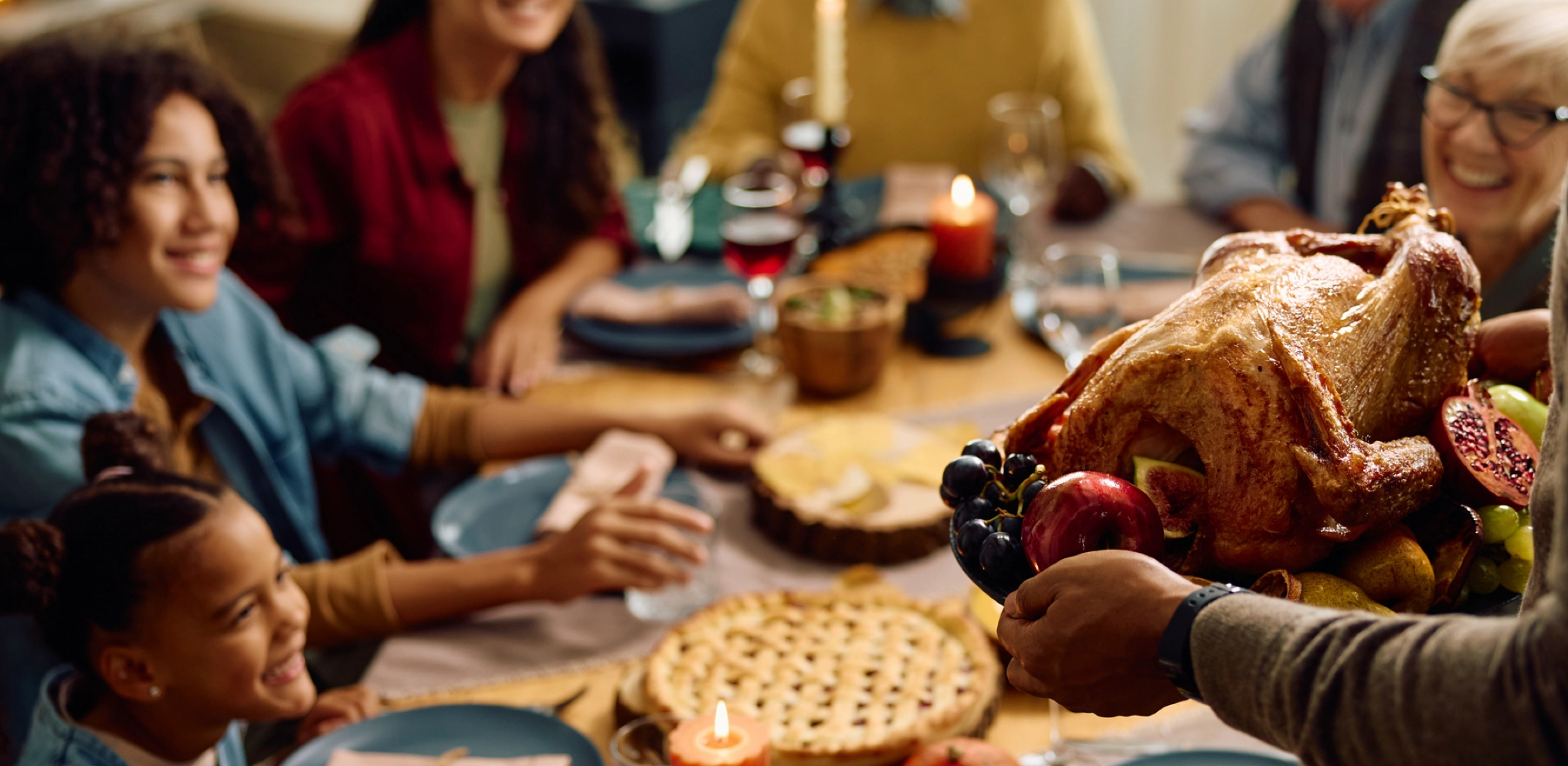
Thanksgiving dinner potluck sign-up sheet
Who brings what? Coordinate the Thanksgiving turkey, sides, and pies with our free potluck sign-up sheet. No registration needed.

Christmas potluck sign-up sheet
Office, family, or church Christmas potluck — organize the whole spread in minutes.

Halloween potluck sign-up sheet
Spooky snacks, costume-themed treats, party planning — Halloween potluck made easy.
Potluck Sign-Up Sheets by Occasion
Specific templates and tips for each holiday — pick yours.
Plan your friends' Thanksgiving with a sign-up that handles dishes, drinks, and decorations.
Coordinate the turkey, sides, pies, and drinks without double-bookings — family table or office potluck.
Office, family, or church Christmas potluck — organized in minutes.
Spooky snacks, costume-themed treats, and party planning made easy.
Brunch, family gathering, or church Easter — sign-up sheets that work.
Backyard BBQ, fireworks party, neighborhood gathering — coordinate everything.
Galentine's, classroom party, or romantic dinner — sweet sign-ups.
Potlucks with Whocan
-
Intuitive and Clear
Create your sign-up sheet in less than a minute.
-
More Features
Stylish designs, dietary tags, comments — and more.
-
No Registration Required
Start directly without an email or password.
-
100% Free
No hidden costs. Ever.
-
Flexible Sign-Ups
Use pre-made templates or design your own categories.
Whocan: Everything you need for your events
Whocan is more than a potluck organizer. Whether you're planning a move, lunches with the team, or coordinating football practice — choose from ready-made polls or build your own. Set up your event page, share the link, and collect responses in minutes. If only everything could be this simple.
How it works in 4 easy steps

1. Select Your Potluck Template
Choose the 'Potluck Sign-Up Sheet' poll type, add a brief title, and set the date and time for your event.

2. Customize Your Sign-Up Sheet
Define what guests should bring — broad categories like 'Food' or 'Drinks,' or specific items like '5 green salads,' '13 sausages,' or '19 ice creams.'

3. Share with Guests & Gather Responses
Send your event page link via email or WhatsApp. Guests respond with a few clicks, on phone or computer — no account required.

4. Track and Manage Responses Easily
Watch responses come in. Edit entries or add personal notes when needed, all in just a few clicks.
Beautiful potluck pages for every event

88% positive feedback across all channels — and our most-mentioned word is "easy."
Try the Friendsgiving templatePotluck lists that actually work
Every year, I organized a barbecue at the school in Küsnacht. The teachers were invited, and parents were supposed to bring food. I looked for a tool that combined invitations and potluck lists — and couldn't find one. Paul had similar experiences. So we built Whocan.
A simple potluck list that everyone understands, without having to sign up — free and set up in under a minute.
A simple potluck list that everyone understands, without having to sign up — free and set up in under a minute.
Paul & Kai

How others organize a potluck
I just used Whocan for the registration for our closing event, and it positively surprised me with the options that participants intuitively used. They even sent me additional info I hadn't thought of. Great!
Simon Margulies Event Organizer

»Whocan has become a must-have for me. Whether it's planning a team event, dividing up tasks for a campaign launch, or collecting topic preferences for our editorial calendar — it takes two minutes to set up and everyone knows exactly what they're responsible for. Simple, efficient, and no registration hassle for anyone.«
Head of Marketing
We chose your tool because it was the best of all. Very flexible and easy to use. It was a great help for our celebration. We only had two small things — the vegan display was different than expected, and a custom background image would be great for the future. But it's a really great tool. Thank you very much.
Stephan S. Event Organizer
Works great!!! Doing an amazing job with my event.
Anonymous I. Event Organizer
FAQs about potluck sign-up sheets
What is a potluck sign-up sheet?
A potluck sign-up sheet is a shared list where guests choose what they'll bring to a group meal. It prevents duplicates (no four bowls of mashed potatoes), distributes the cooking load, and lets the host see at a glance what's covered.
How do I create a free potluck sign-up sheet?
Enter a title at the top of this page, add the items or categories you'd like to fill (turkey, side, drinks, etc.), and share the link via WhatsApp, email, or any messenger. Guests pick what they bring with one click. No account needed.
Do guests need to register to sign up?
No. Guests click the link, pick what they bring, and submit. Nothing else needed — no email, no password.
How is Whocan different from Perfect Potluck or SignUp.com?
Whocan works without any account — for the organizer and the guests. Perfect Potluck and SignUp.com require accounts. Whocan also covers RSVP, scheduling, and task assignment in one tool, while Perfect Potluck is potluck-only.
Can I limit how many people bring each item?
Yes. When setting up the sheet, you can cap participation per item — useful when you want exactly 12 dinner rolls instead of accidentally 40.
Can guests add their own items?
Yes (optional setting). You can let guests propose new dishes alongside the categories you pre-set — handy when you're unsure what to ask for.
Can I share the sign-up via WhatsApp?
Yes. After creating the sheet you get a shareable link that works in WhatsApp, Telegram, Signal, iMessage, email, or anywhere else.
How do I make sure no one brings the same dish?
Pre-set the categories with specific item names ("1 turkey," "2 pies," "1 salad bowl"). When a guest picks an item, it's no longer available — duplicates are prevented automatically.
Can I add a dietary preference column (vegetarian, gluten-free)?
Yes. Whocan lets guests indicate if their dish is vegetarian or has dietary notes — useful for mixed-group potlucks.
What about holidays — do you have ready-made templates?
Yes. We have specific sign-up sheet templates for Thanksgiving, Friendsgiving, Christmas, Halloween, Easter, 4th of July, and Valentine's Day. Each one comes pre-filled with classic dish categories for that holiday — just adjust as needed.